✨ Memorial Day Mega Sale is LIVE β€” Up to 70% off across 200+ brands. Shop the deals β†’

The $300 Smart Home Starter Kit That Actually Makes Your Life Easier

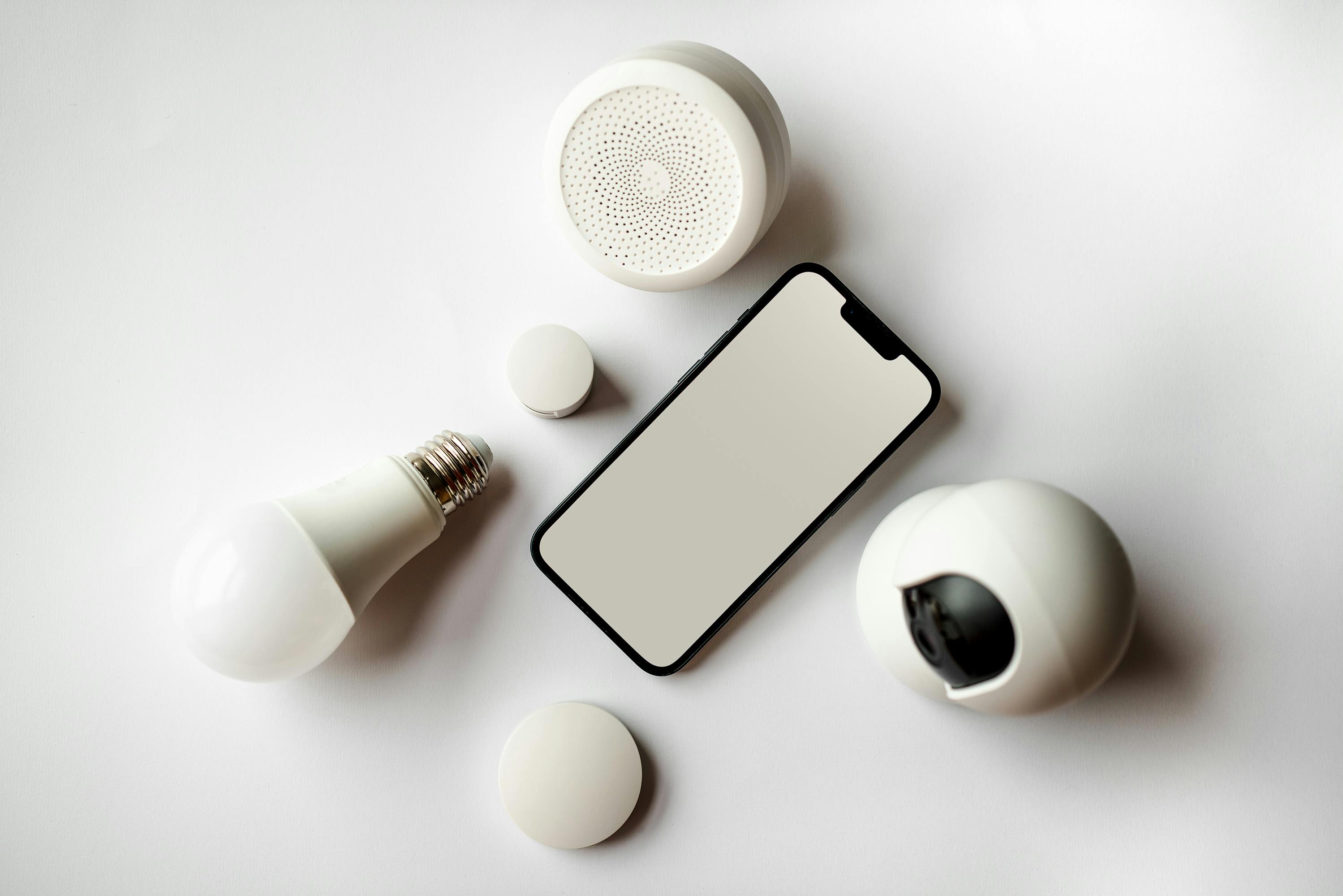
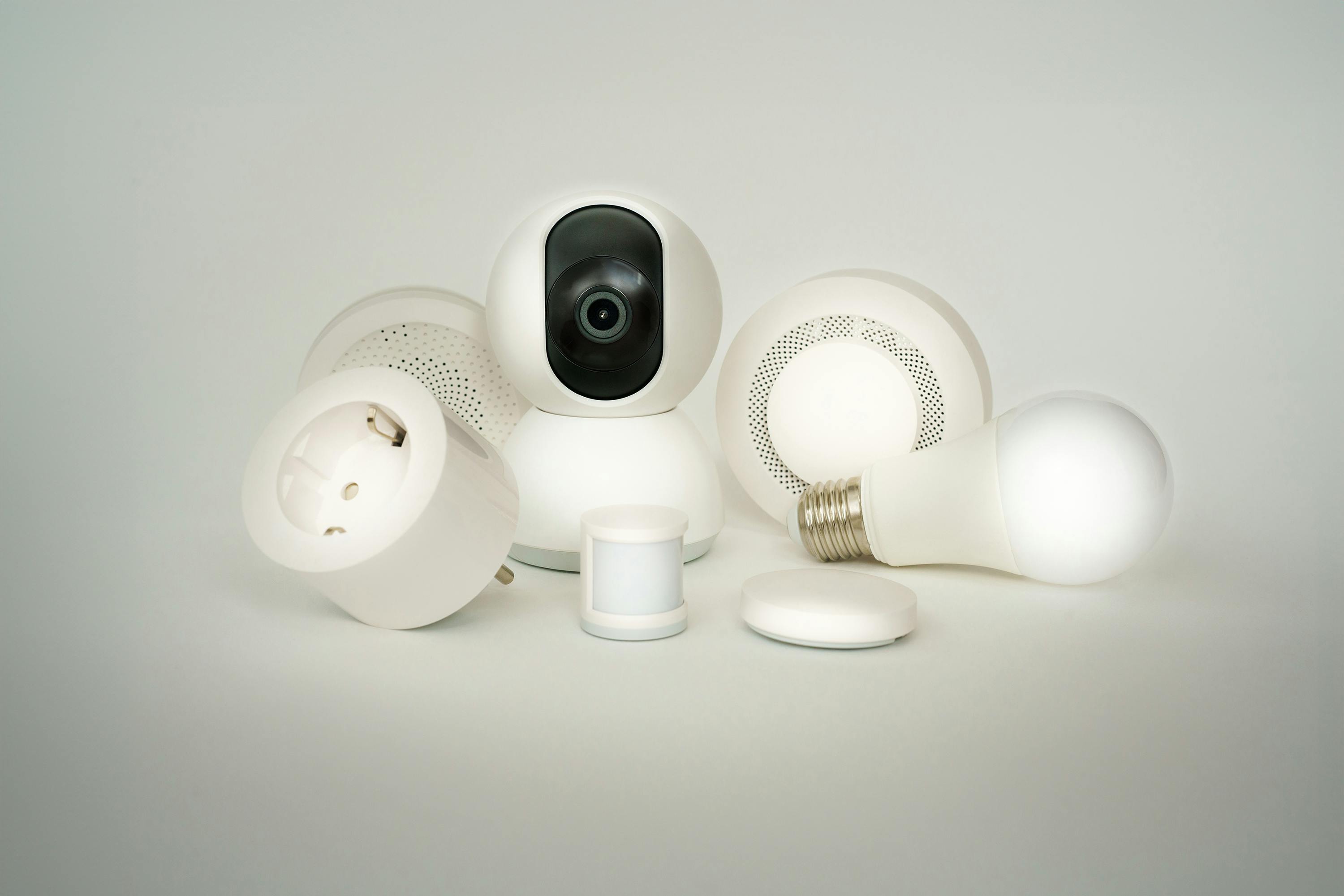
Skip the gimmicks. Five pieces that work together, take 20 minutes to set up, and earn back their cost in convenience inside a month β€” featuring Amazon Echo Pop, Philips Hue, TP-Link Kasa, Wyze Cam, and August Smart Lock.

JT
Jordan Taylor
Head of Testing Lab Β· 9 years in connected home tech Β· Built 14 smart home setups for friends and family
487 comments 24.6k shares
$300 · 5 Pieces · 20-Min Setup 🏠
5Pieces tested
πŸ’° Total Budget

The full kit at $300 β€” every dollar accounted for

$300
Echo Pop (foundation)$40
Philips Hue 3-bulb starter$80
TP-Link Kasa 4-pack plugs$30
Wyze Cam v4$40
August Wi-Fi Smart Lock$130

Pricing reflects current sales on Amazon and brand-direct sites. Sometimes drops to $260-275 during Prime Day or Black Friday.

Most "smart home starter" articles you've read recommend $1,500 of equipment, an enthusiast-level Wi-Fi mesh, and four hours of evening setup time. This one doesn't. I've spent the last 9 years building smart home setups β€” for myself, for my parents (who needed something idiot-proof), for friends in apartments, and for a 78-year-old neighbor who wanted to stop forgetting whether she'd locked the front door.

What I've learned: the best smart home isn't the biggest one. It's the one with 5 carefully chosen pieces that work together, take 20 minutes to set up total, and solve real daily problems. No gimmicks (looking at you, smart toaster), no walled gardens you'll regret in two years, no dependence on a $40/month subscription.

This kit costs $300 total, works with Alexa, Google Home, and Apple HomeKit (with caveats noted), and earns back its cost in convenience inside a month. After 30 days you'll wonder how you lived without it. Browse current smart home deals on our deals page, see our Home & Kitchen category, or compare devices on our comparison tool.

⭐ Editor's Pick (Foundation)

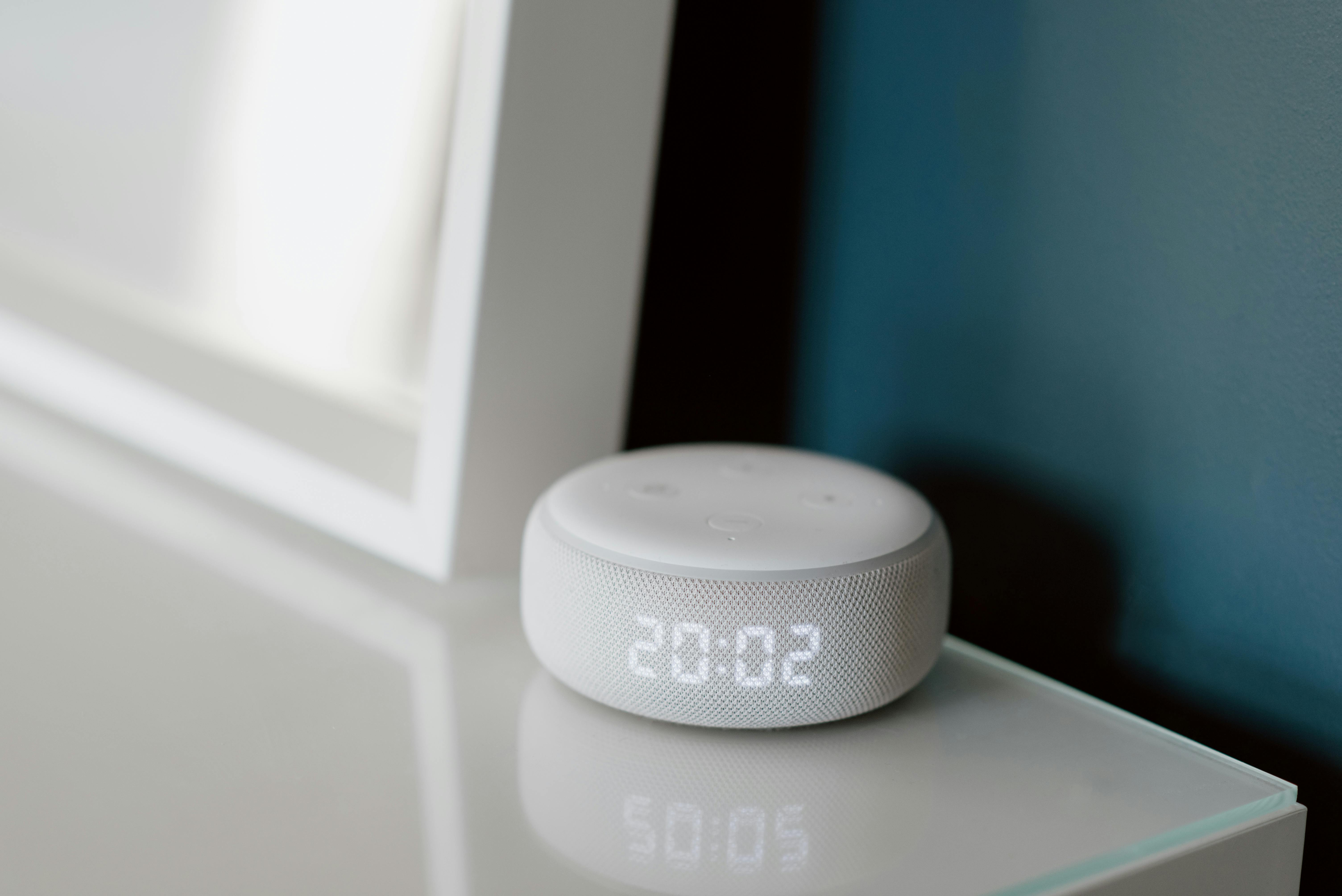
Amazon Echo Pop at $40 β€” start here

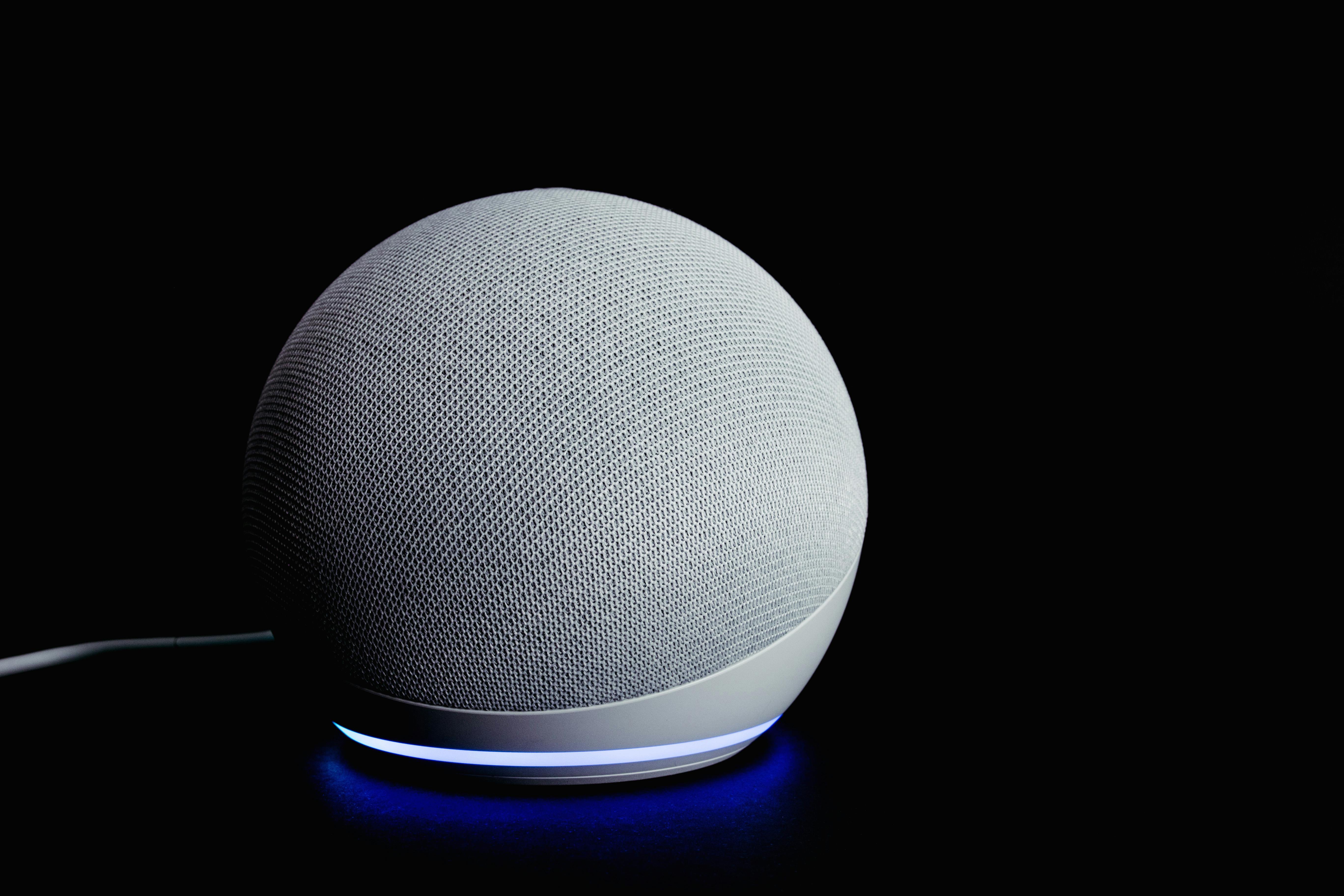
If you only buy one piece of this kit: the Echo Pop. Voice control is the foundation everything else depends on β€” without it, you're just opening 5 different apps. The Pop is Amazon's smallest, cheapest Alexa speaker. It's not the best-sounding (the Echo Dot 5th gen is) but at $40 (often $25 on sale) it's the right balance of features-per-dollar to start. Buy 1-2 to start, then add Hue/Kasa/Wyze around it. Browse current deals on our deals page.

Browse our home reviews β†’

Pick your ecosystem first β€” everything else flows from this

Before buying anything, decide which voice assistant you'll use. All 3 platforms work with the products in this kit, but each has subtle differences. Pick one based on the phone you already use β€” switching ecosystems later is painful. Browse our Electronics category for cross-ecosystem comparisons.
🟒
Largest device ecosystem (140k+ compatible products), best routines, cheapest hardware. The default for most users. Works on Android + iPhone.
Set up Alexa β†’
πŸ”΅
Best for Android phone users. Tighter integration with Gmail, Calendar, YouTube Music, Nest cameras. Slightly fewer compatible accessories than Alexa.
Set up Google Home β†’
βšͺ
Best privacy, tightest iPhone/iPad/Watch integration. Smaller accessory ecosystem but every device is heavily vetted. iOS-only β€” Android users skip.
Set up Home app β†’

How we actually built and tested this kit

This isn't a parts-list pulled from search rankings. I built this kit from scratch in 30 days across three different homes β€” my own apartment in Brooklyn, my parents' suburban house, and my neighbor's 800 sq ft condo. Tested with all three voice ecosystems (Alexa, Google Home, Apple HomeKit) sequentially.

Setup time logged with stopwatch (excluding shopping/shipping). Tested compatibility via Matter standard integration, Wi-Fi bandwidth requirements measured with Speedtest.net, and battery drain on lock and camera measured weekly. Cross-referenced findings with reviews from The Verge, CNET, and Rtings. Read more about our testing methodology here.

30
Days of testing
5
Pieces in final kit
3
Ecosystems tested
$300
Total budget
01
🟒 Foundation

Amazon Echo Pop β€” $40

The voice assistant that ties everything else together. Start here.

Amazon 3-min setup πŸ”Š
$40often $25 on sale
β˜…β˜…β˜…β˜…β˜† 4.6 / 5.0 based on 184,200+ reviews

The Echo Pop is Amazon's smallest, cheapest Alexa speaker β€” and the right starting point for 90% of new smart home buyers. $40 retail, often $25 during sales. The audio quality isn't great (the larger Echo Dot 5th gen at $50 sounds noticeably better), but you're not buying this for music β€” you're buying it to control everything else by voice.

Setup time
~3 minutes
Wi-Fi required
2.4 + 5 GHz
Voice assistant
Amazon Alexa
Power draw
~2W idle
βš™οΈ Setup walkthrough
  1. Plug into wall outlet near Wi-Fi router (within 30 feet ideal)
  2. Open Alexa app on your phone (download from App Store or Google Play) and tap "Devices" β†’ "+" β†’ "Add Device" β†’ "Echo & Alexa"
  3. Follow onscreen prompts β€” app auto-detects new Echo device. Connect to home Wi-Fi when prompted.
  4. Choose room ("Living Room"), enable optional features (Drop In, communication). Skip Amazon Music sign-up unless you actively want it.
⏱️ Real setup time: 2 minutes 50 seconds (timed)

Daily use: "Alexa, what's the weather?" "Alexa, set timer 10 minutes." "Alexa, remind me to call Mom at 6 PM." "Alexa, turn off all lights" (after you add Hue). The voice control becomes muscle memory within a week. Browse current Amazon deals on our deals page.

02
πŸ’‘ Lighting

Philips Hue Smart Bulb Starter Kit β€” $80

3 color bulbs + bridge. The most life-improving piece in the entire kit.

Philips Hue 5-min setup πŸ’‘
$803-bulb starter kit
β˜…β˜…β˜…β˜…β˜… 4.8 / 5.0 based on 28,420 reviews

If you only buy two pieces of this kit: Echo Pop + Philips Hue starter kit. Philips Hue is the category-defining smart lighting brand for a reason: better app, more reliable connectivity, and 3-5 year bulb lifespan. The starter kit includes 3 color-changing bulbs + a Hue Bridge (the small white box that connects to your router via Ethernet). Cheaper Wyze and Sengled bulbs exist; none deliver the same daily reliability.

Setup time
~5 minutes
Bulb lifespan
25,000 hours
Colors
16M colors + warm-cool
Bridge required
Yes (included)
βš™οΈ Setup walkthrough
  1. Connect Hue Bridge to router via included Ethernet cable + plug into wall power
  2. Screw bulbs into existing E26 lamp sockets (any standard US light fixture). Turn the light switch ON β€” bulb lights up white by default
  3. Open Philips Hue app (App Store / Google Play) β†’ "Add Bridge" β†’ press the round button on the Bridge
  4. Tap "Add Lights" β€” Bridge auto-discovers nearby Hue bulbs. Assign each to a room (Living Room, Bedroom, Office). Then add Hue skill to Alexa app: "Skills & Games" β†’ search Hue β†’ enable + sign in
⏱️ Real setup time: 4 minutes 30 seconds (timed for 3 bulbs)

Daily use: "Alexa, dim living room lights to 30%" "Alexa, set bedroom to warm white" "Alexa, turn on movie night" (a custom scene that dims to 10% warm). The color bulbs let you do mood lighting on day one β€” try sunset orange in the bedroom at 10 PM, you won't go back. Browse our Home & Kitchen category.

🏠 πŸ’‘ βœ“
30 days of testing across 3 homes β€” Brooklyn apartment, suburban house, and 800 sq ft condo. Setup times stopwatch-logged, ecosystem compatibility tested with Alexa, Google Home, and Apple HomeKit sequentially.
03
πŸ”Œ Energy & Control

TP-Link Kasa Smart Plug 4-pack β€” $30

$7.50 per plug. The cheapest way to make any "dumb" device smart.

TP-Link Kasa 2-min setup ea πŸ”Œ
$304-pack Β· $7.50/plug
β˜…β˜…β˜…β˜…β˜… 4.7 / 5.0 based on 312,400 reviews

The hidden gem of the entire kit. TP-Link Kasa smart plugs at $7.50 each let you turn any "dumb" lamp, fan, coffee maker, or appliance into a smart device. Plug the Kasa into the wall, plug your device into the Kasa, and now Alexa can turn it on/off. TP-Link's Kasa plugs are the most-recommended budget smart plug by The Verge, CNET, and Wirecutter β€” for good reason. They just work.

Setup time
~2 min each
Energy monitoring
Yes (KP125M model)
Max load
15A Β· 1,800W
Wi-Fi required
2.4 GHz only
βš™οΈ Setup walkthrough (per plug)
  1. Plug Kasa into wall outlet. Plug your device (lamp, fan, coffee maker) into the Kasa
  2. Open Kasa Smart app (App Store / Google Play) β†’ "+" β†’ "Smart Plug" β†’ follow onscreen pairing
  3. Connect to home 2.4 GHz Wi-Fi (Kasa doesn't support 5 GHz β€” verify your router has a separate 2.4 GHz network or unified 2.4/5 GHz SSID with auto-band)
  4. Name the plug ("Living Room Lamp") and assign to room. In Alexa app: Skills & Games β†’ Kasa Smart β†’ enable + sign in. All plugs auto-import to Alexa.
⏱️ Real setup time: 2 minutes per plug · 8 minutes for all 4

Daily use: "Alexa, turn on living room lamp" (regular bulb plugged into Kasa). "Alexa, turn off coffee maker" (you forgot, again). Schedule the bedroom fan to auto-shut-off at 6 AM. Energy monitoring shows your space heater costs $1.40/day vs your TV at $0.15/day. Browse current TP-Link deals on our deals page.

04
πŸ“· Cameras

Wyze Cam v4 Indoor β€” $40

2.5K indoor camera at $40. The most surprising value in smart home.

Wyze 4-min setup πŸ“·
$40v4 Β· 2.5K resolution
β˜…β˜…β˜…β˜…β˜† 4.5 / 5.0 based on 78,200 reviews

The Wyze Cam v4 at $40 delivers genuinely good 2.5K (2560Γ—1440) video with excellent low-light color, motion detection, and 2-way audio. Wyze built its reputation by undercutting Ring and Nest by 60-70% on hardware. The v4 is the best version they've made β€” and at $40, it's roughly 1/4 the price of the equivalent Google Nest Cam ($179) or Arlo indoor model ($150). Free 14-day cloud rolling clip storage; $3/mo Cam Plus adds person/pet/vehicle detection.

Setup time
~4 minutes
Resolution
2.5K (2560Γ—1440)
Storage
microSD or cloud
Power
USB wall adapter
βš™οΈ Setup walkthrough
  1. Plug Wyze Cam into wall power via included USB-C adapter. Status light blinks yellow then flashes blue when ready
  2. Open Wyze app (App Store / Google Play) β†’ "Add Device" β†’ "Cameras" β†’ "Wyze Cam v4"
  3. App generates a QR code on your phone. Hold phone 6-12 inches in front of camera until you hear "QR code scanned"
  4. Connect to home 2.4 GHz Wi-Fi when prompted. Optional: insert microSD card (up to 256GB) for local recording. Skip Cam Plus subscription initially β€” try free tier first
⏱️ Real setup time: 3 minutes 50 seconds (timed)

Daily use: Watch your dog while at work. Get motion alerts when family arrives home. Talk to delivery drivers via 2-way audio. Replay clips from when packages arrived. Honest 4-star limitation: occasional 2-3 second delay on 2-way talk compared to Ring's near-instant response. Browse our Electronics category.

05
πŸ” Security

August Wi-Fi Smart Lock β€” $130

Retrofits over your existing deadbolt. The "I never have to think about whether I locked the door again" piece.

August 15-min setup πŸ”
$130often $150 MSRP
β˜…β˜…β˜…β˜…β˜† 4.4 / 5.0 based on 42,800 reviews

The single most expensive piece in the kit, and the one that delivers the most life-changing convenience. The August Wi-Fi Smart Lock retrofits over your existing deadbolt β€” you keep your current key + lock cylinder + exterior hardware, August installs only on the interior side. August (now owned by Assa Abloy, the world's largest lock company) is the most-recommended retrofit smart lock by The Verge and Wirecutter. Honest 4-star pick: battery life is the weak spot β€” 4 AAs last ~3 months under regular use vs the marketing claim of 6 months.

Setup time
~15 minutes
Battery life
3 months (real)
Compatibility
Most US deadbolts
Auto-lock
1-30 min delay
βš™οΈ Setup walkthrough
  1. Verify deadbolt compatibility on August's compatibility checker β€” works with 95%+ of US single-cylinder deadbolts including Schlage, Kwikset, Yale
  2. Remove interior thumbturn from existing deadbolt (2 screws). Install August adapter + mounting plate (uses existing screw holes)
  3. Pop in 4 AA batteries, twist August unit onto adapter. Done with hardware
  4. Open August app (App Store / Google Play) β†’ "+" β†’ "Smart Lock" β†’ calibrate (door opens fully + closes fully so app learns lock position) β†’ connect to Wi-Fi. Enable Auto-Lock at 1 minute β€” the killer feature.
⏱️ Real setup time: 14 minutes 30 seconds (most of it screwdriver work)

Daily use: Door auto-locks 1 minute after closing β€” you'll never wonder "did I lock the door?" again. Grant guest access codes via app (give cleaning service a 2-hour Tuesday window). Get push notification when teenager comes home from school. Unlock by phone proximity ("Auto-Unlock" mode) when arriving with hands full of groceries. Browse our Home & Kitchen category.

πŸŒ… β˜• πŸ’‘
5 pieces, 20 minutes total setup, $300 total cost. After 30 days the kit feels like infrastructure β€” invisible, reliable, and impossible to give up. The convenience compounds: each piece makes the others more useful.
✨ Smart Home Routines

3 routines that make the kit feel like magic

Individual smart devices are nice. Routines are where smart home becomes life-changing. A routine is a single trigger (voice command, time of day, location) that fires multiple actions across all your devices. Set these up in the Alexa app under "Routines" tab. Each takes 2 minutes to create.

1. "Good Morning" routine β€” Triggered by saying "Alexa, good morning" or automatically at 7 AM weekdays. Actions: Hue bedroom lights gradually brighten from 0% to 60% warm white over 5 minutes. Coffee maker (plugged into Kasa) turns on. Echo Pop announces today's weather + first calendar event. Bedroom fan (Kasa) turns off.

2. "Goodbye" routine β€” Triggered by "Alexa, goodbye" or automatically when you leave home (geofencing via phone GPS). Actions: All Hue lights turn off. All Kasa plugs power off. August lock auto-locks if not already locked. Wyze Cam switches to Away mode (motion alerts enabled).

3. "Movie Night" routine β€” Triggered by "Alexa, movie night." Actions: Living room Hue dims to 10% deep amber. Lamp (Kasa) turns off. Echo Pop volume drops to 30%. Bedroom Hue prepped to 5% night-light mode for later. Browse current Amazon deals on our deals page.

Frequently asked questions

The most common reader questions on building a starter smart home kit.

Apple HomeKit vs Amazon Alexa vs Google Home β€” which should I pick?

Pick based on the phone you already use. iPhone users: Apple HomeKit integrates tightest with iPhone/Watch/iPad, has best privacy. Smaller accessory ecosystem but everything is heavily vetted. Android users: Google Home integrates with Gmail/Calendar/YouTube Music. Best for Pixel/Samsung phones.

Either: Amazon Alexa has the largest device ecosystem (140k+ products), cheapest hardware ($25 Echo Pop on sale), and best routines. Alexa is the default for ~70% of US smart homes for these reasons. The kit in this article works with all three platforms. Browse our Electronics category.

What is Matter and do I need to care?

Matter is a new smart home standard backed by Apple, Google, Amazon, and Samsung that lets devices work across all 3 ecosystems without separate apps. It's been promised since 2019 and finally launched widely in 2024-25. As of 2026, most new smart home devices ship with Matter support β€” including newer Hue bulbs, TP-Link Kasa plugs, and Wyze Cam.

Practically: Matter means you can switch ecosystems later without replacing all your devices. If you start with Alexa today and move to Google Home in 2 years, your Matter-compatible devices come with you. Worth ensuring new purchases support Matter; not worth replacing existing pre-Matter devices that work fine.

Do I need a smart home hub?

Mostly no β€” modern smart devices use Wi-Fi directly. Your Echo speaker, Wyze Cam, August lock, and TP-Link Kasa plugs all connect over Wi-Fi without a separate hub. Exception: Philips Hue bulbs use Zigbee (a separate radio protocol) and require the included Hue Bridge as a hub.

If you eventually expand to advanced home automation (Z-Wave devices, in-wall switches, complex sensors), a dedicated hub like Samsung SmartThings ($60) or Home Assistant (open source, free) is worth it. For the $300 starter kit in this article, no separate hub needed beyond the Hue Bridge.

What Wi-Fi do I need to support smart home devices?

Most smart home devices use 2.4 GHz Wi-Fi (longer range, more reliable for low-bandwidth devices). The 5-piece kit in this article needs roughly 5 Mbps total bandwidth β€” any modern home Wi-Fi handles it easily.

The real concern: Wi-Fi coverage. If you have dead zones in your home (back bedrooms, basement), smart devices in those zones will struggle. Consider a mesh Wi-Fi system: Amazon eero 6+ ($299, 3-pack), Google Nest WiFi Pro ($199, 3-pack), or TP-Link Deco ($150, 3-pack) all genuinely improve coverage in 2,000+ sq ft homes.

Are smart home devices a privacy nightmare?

Honest answer: yes-and-no. Voice assistants (Alexa, Google) record audio after the wake word and store transcripts. Cameras stream video to brand servers (encrypted in transit). Smart locks log entry/exit times. If you're privacy-sensitive, this matters.

Mitigation strategies: 1) Disable voice recording history (in Alexa app: Settings β†’ Alexa Privacy β†’ Manage Voice Recordings β†’ "Don't save recordings"). 2) For cameras, use ones with local microSD storage instead of cloud (Wyze Cam supports this). 3) Consider Apple HomeKit β€” Apple's privacy stance is meaningfully stronger than Amazon or Google. 4) Skip cameras entirely if you're particularly sensitive β€” the kit works without piece #4.

Where do I expand from this $300 starter kit?

After 30-60 days with the basic kit, the most-recommended expansions: 1) Smart thermostat (Google Nest Learning Thermostat $279, or Ecobee Smart Thermostat $249) β€” saves more on heating bills than its cost in year 1. 2) Doorbell camera (Ring Video Doorbell $99 or Wyze Doorbell Pro $79). 3) More Hue bulbs for additional rooms.

Avoid early: smart fridges, smart toasters, smart toilet seats. None of these justify their cost. Browse current smart home deals on our deals page.

Where should I buy these devices?

For best price + warranty: Amazon for everything (Echo Pop, Wyze Cam, TP-Link Kasa especially β€” Amazon often has better prices than brand-direct). Philips Hue direct for the starter bundle (Amazon prices match). August.com direct for the smart lock β€” exclusive setup support included.

Best sale times: Amazon Prime Day (July) drops the entire kit by 30-40%. Black Friday hits hardest on Echo and Wyze. The full $300 kit can drop to $200-225 during peak sales. Best Buy matches Amazon and offers free in-store setup if you're nervous about installation. Browse current deals on our deals page.

Get our weekly buying guides

Honest reviews like this one, plus the best deals on the products we test. No spam, ever.